Question of the Week for your school site
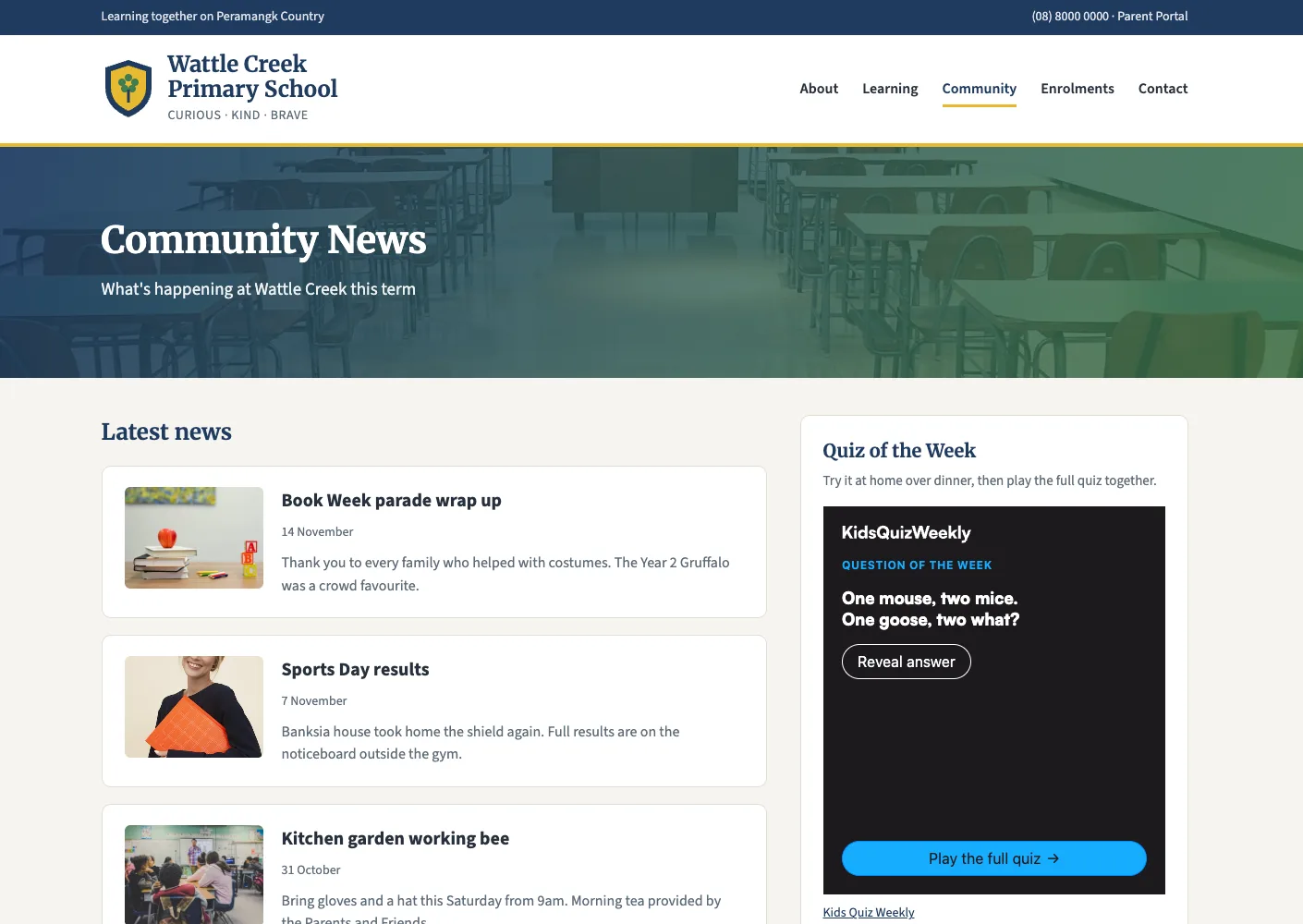
We made a small widget that shows this week's Kids Quiz Weekly question. Paste it into your school website or newsletter once and it updates itself every Thursday.
Live preview
This is exactly what your students and parents will see. It changes by itself every Thursday.
It is free, there is no login and no ads.
For your website
Paste this into an HTML or Embed block on your school site.
<iframe src="https://kidsquizweekly.com.au/embed/question/" width="100%" height="420" style="border:0;max-width:420px" loading="lazy" title="Kids Quiz Weekly question of the week"></iframe>
<p><a href="https://kidsquizweekly.com.au/">Kids Quiz Weekly</a></p>For your newsletter
A plain text version for emails, newsletters and class apps.
This week's question from Kids Quiz Weekly, a free weekly quiz for Aussie kids. Play it here: https://kidsquizweekly.com.au/this-weeks-quiz/?utm_source=embed&utm_medium=referral&utm_campaign=school-embedUsing Google Sites
- Open the page in Google Sites.
- Choose Insert, then Embed, then "By URL".
- Paste this address:
https://kidsquizweekly.com.au/embed/question/- Choose Insert, then drag it to size (about 420 pixels tall).
Most other site builders, like WordPress, Schoolbox and Squarespace, have an "HTML" or "Embed" block that takes the website snippet above.
Canva, Teams and class apps
These tools show a link rather than the live question, so share this one. It always opens the current quiz, so you can set it once and leave it.
https://kidsquizweekly.com.au/this-weeks-quiz/?utm_source=embed&utm_medium=referral&utm_campaign=school-embed&utm_content=class-apps- Canva: add it to a button or some text on your slide.
- Teams, Google Classroom and Seesaw: pin it in your class channel or post the newsletter text above.
Running Kids Quiz Weekly across your whole school? Have a look at school accounts.